Features
Built to play. Down to the details.
Every feature in Smarters IPTV Pro exists to make your playlists feel first-class on Apple devices.
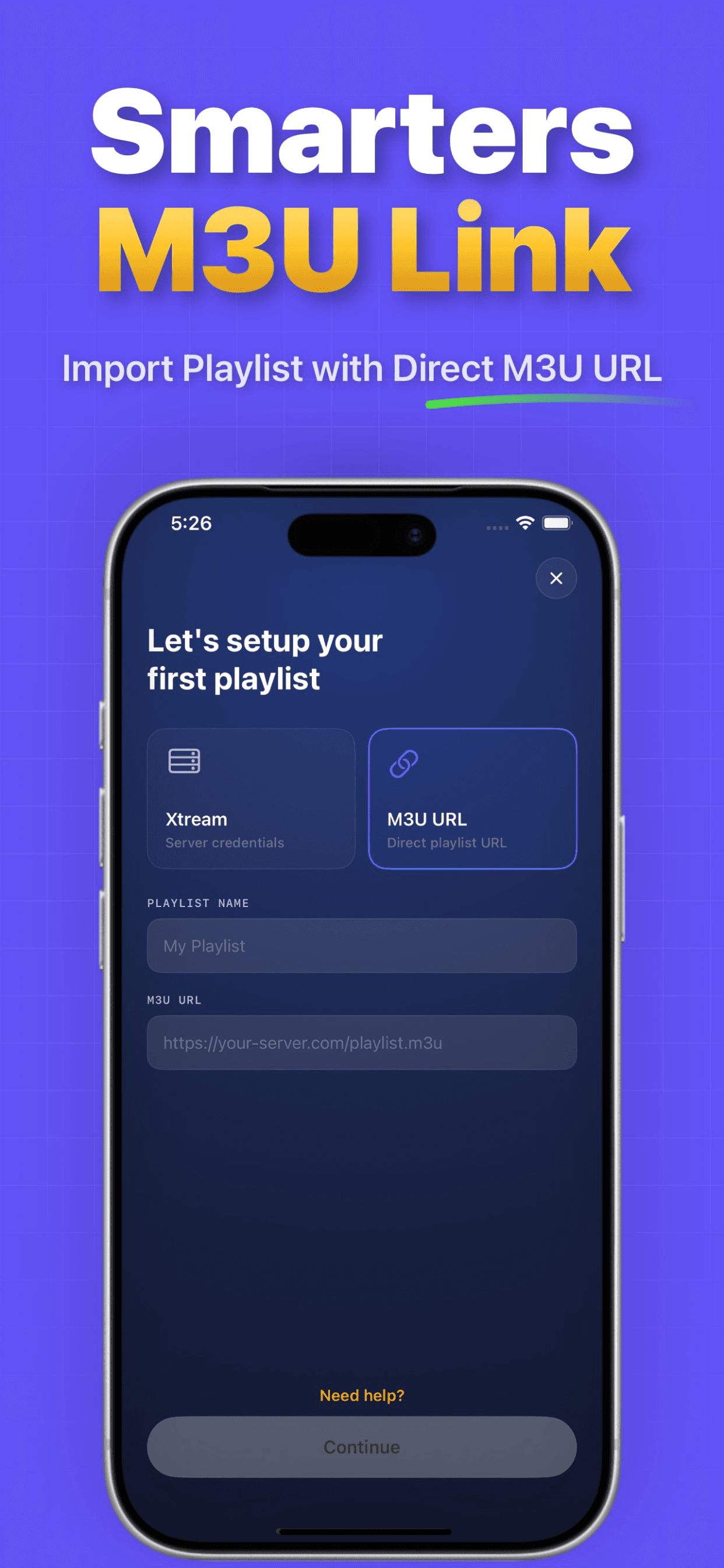
Two ways in. Zero friction.
Xtream Codes credentials or a direct M3U URL — set up your first playlist in under a minute. Everything is stored on your device, and you can manage as many playlists as you like.
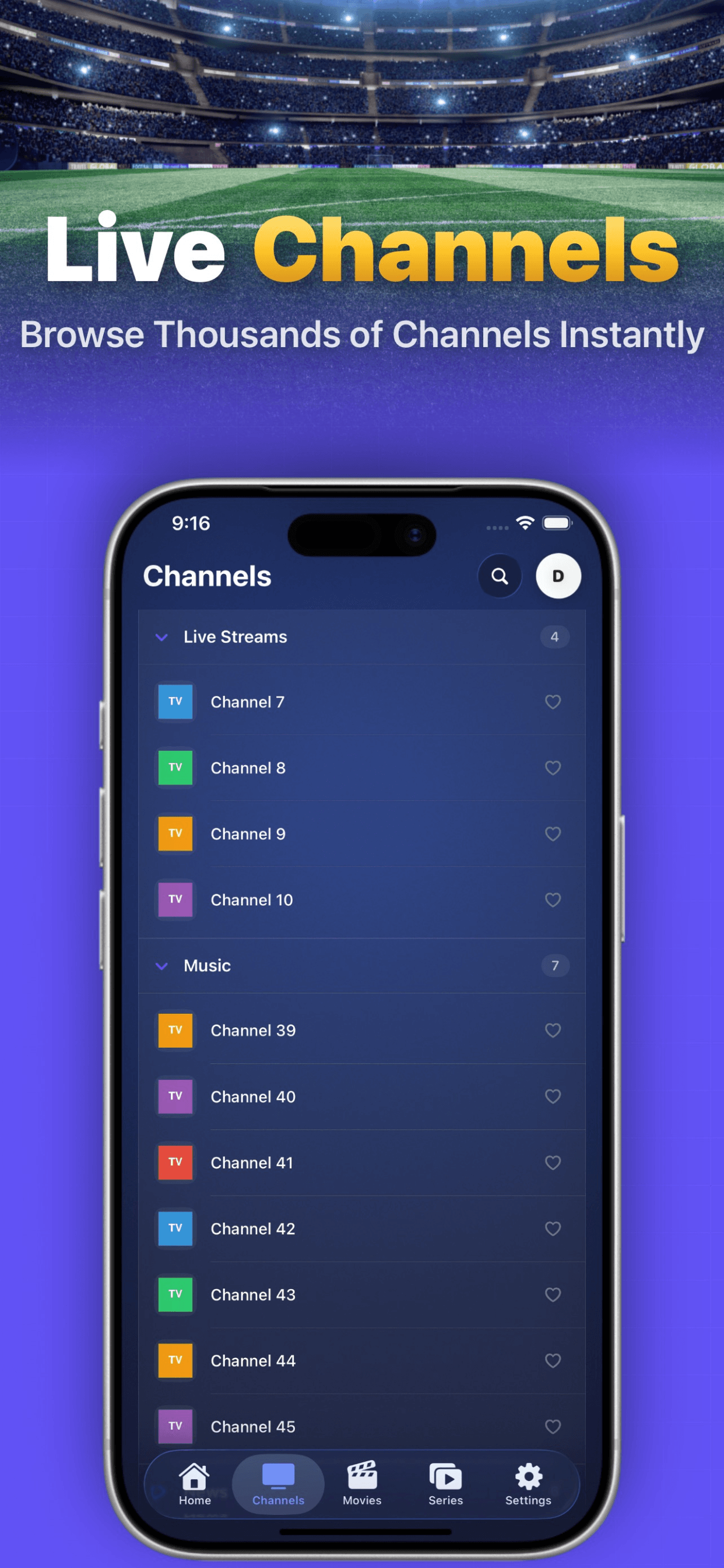
Live, movies & series — organized.
Your playlist becomes a real library: categories, posters, favorites and instant search, with the EPG guide one tap away while you watch.
The full list.
Xtream Codes login
Sign in with the server URL, username and password from your provider. Live, movies and series load into a clean, organized library.
M3U playlist import
Prefer a direct link? Paste any M3U URL and you're in. Manage multiple playlists side by side and switch in a tap.
Live EPG guide
A proper TV guide: now-and-next for every channel, program descriptions, and quick zapping without losing your place.
Catch-up TV
When your provider archives programs, Smarters IPTV Pro surfaces them right in the guide — rewind the schedule and catch what you missed.
Picture-in-Picture
Pop the stream into a floating window and keep it playing over other apps — on both iPhone and iPad.
Subtitle customization
Font size, color and background — tune subtitles until they're perfectly readable on any screen.
Favorites & instant search
Star channels, movies and series you love. Search across everything instantly, with results as you type.
Beautiful playback
High-quality video and audio in a player that gets out of your way — gestures, quick controls and a clean, modern interface.
Sounds good? It plays even better.
Download for iOS